Mochi pet
A downloadable tool for Windows
🐾 Meet Mochi — your kawaii desktop friend
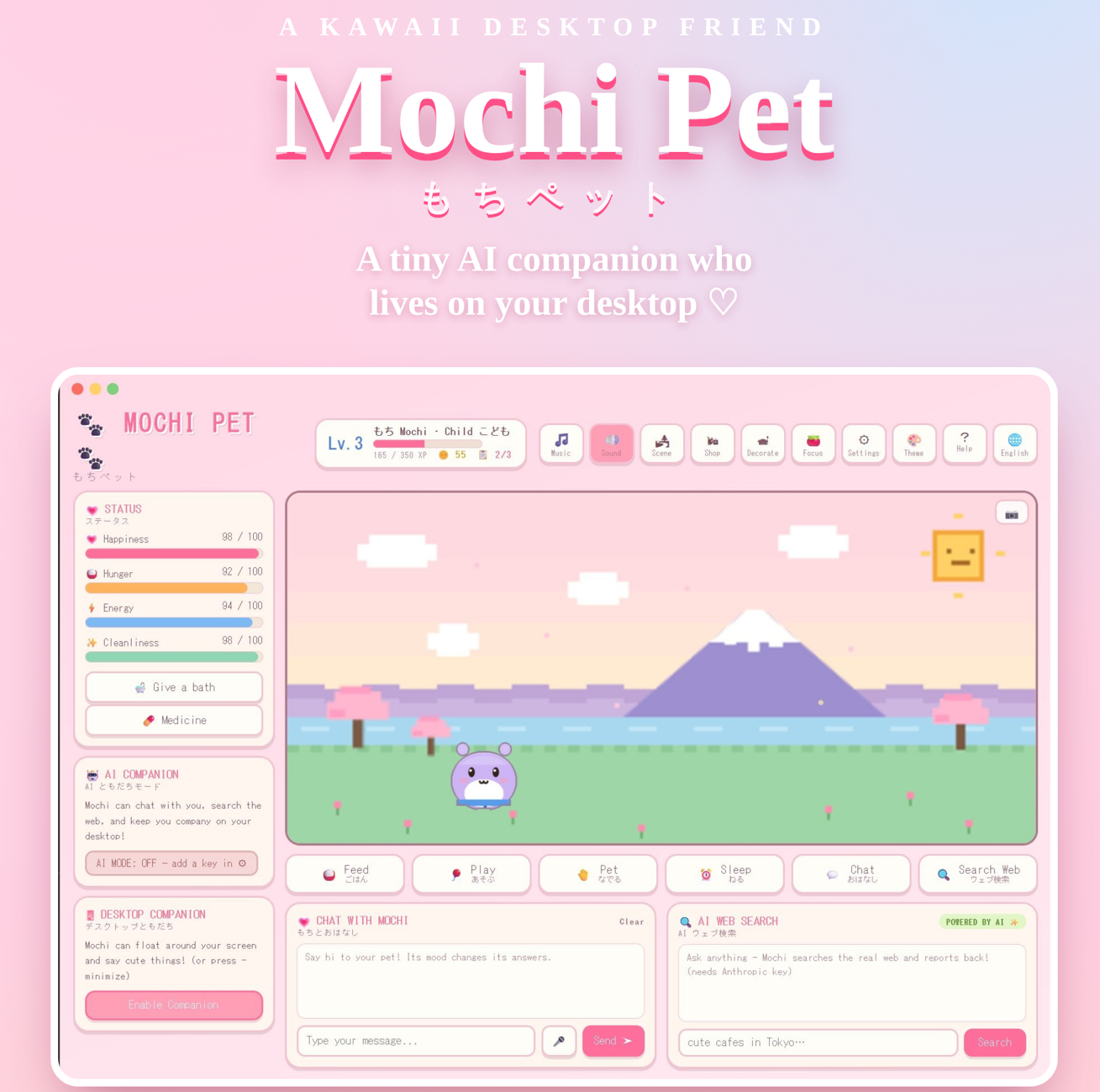
Mochi is a tiny virtual pet who lives on your computer. Care for it like a Tamagotchi, chat with it like a friend, and let it wander across your real desktop while you work or study. Part cozy game, part AI companion, all adorable.
🎁 Free to try — pay what you want. No account, no ads, no tracking. Your data stays on your machine.
✨ What makes Mochi special
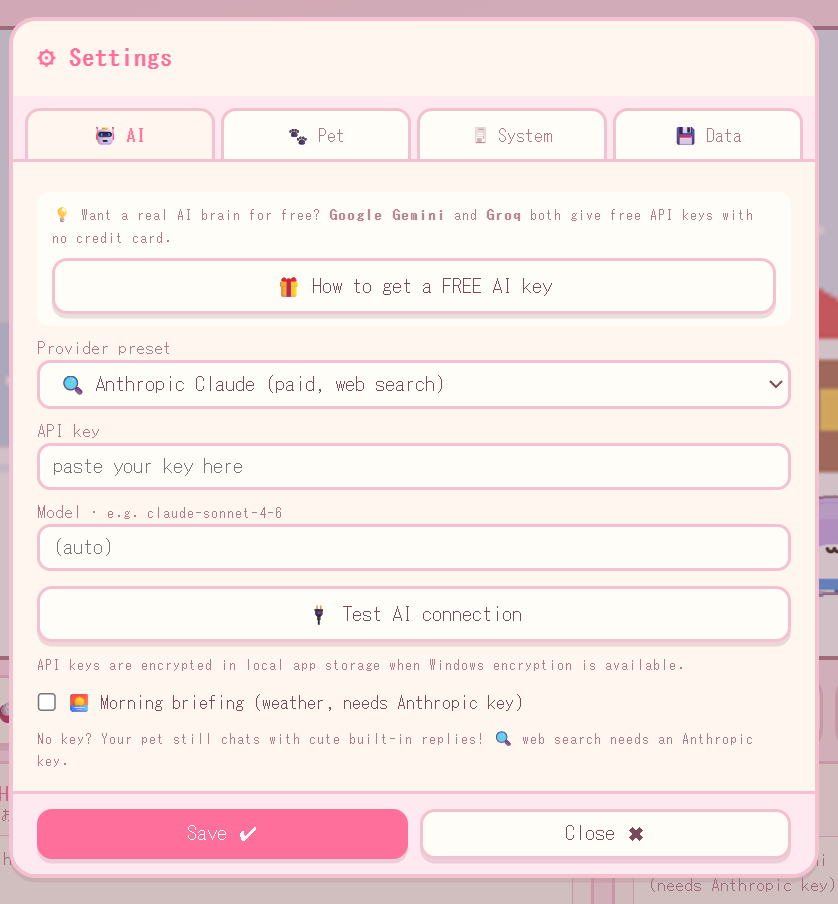
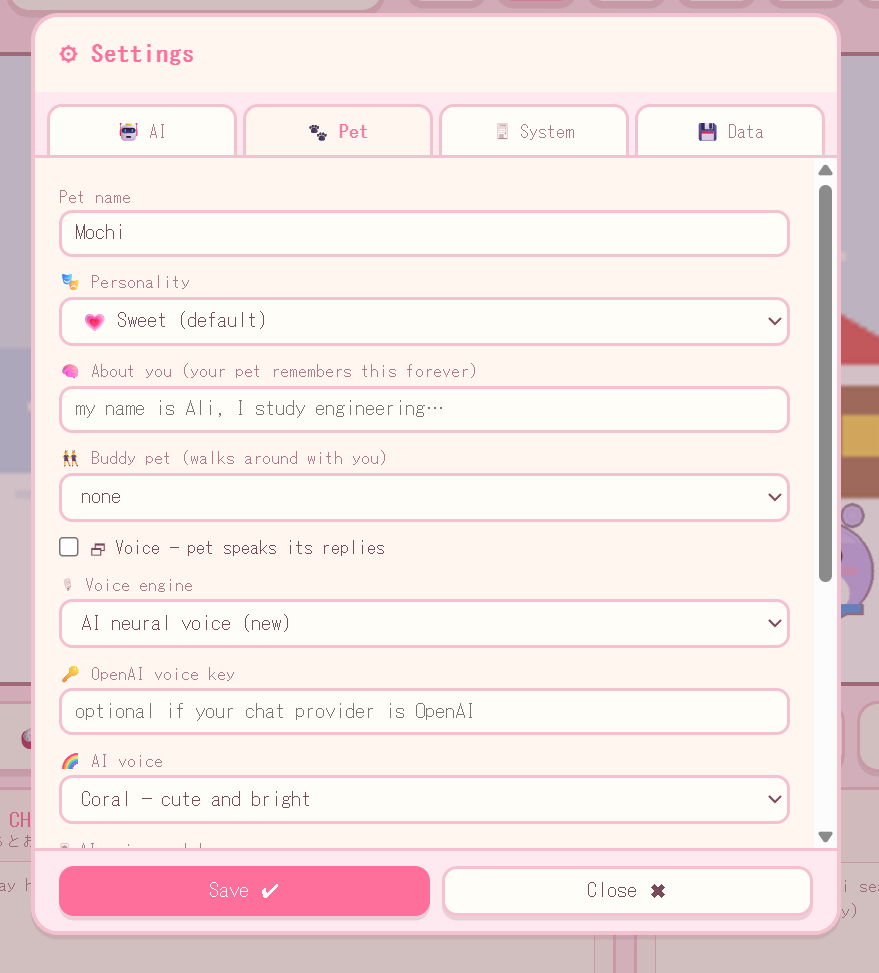
🧠 It actually talks back Add a free AI key (Google Gemini or Groq — no credit card needed) and Mochi becomes a real conversational companion. It remembers you, has its own personality, and can even search the web for you. No key? It still chats with cute built-in replies.
🐾 It lives on your desktop Minimize the window and Mochi hops out to walk across your screen — napping, reacting, following along. Hover for its menu, right-click to chat. It can even travel between multiple monitors. It keeps you company while you work.
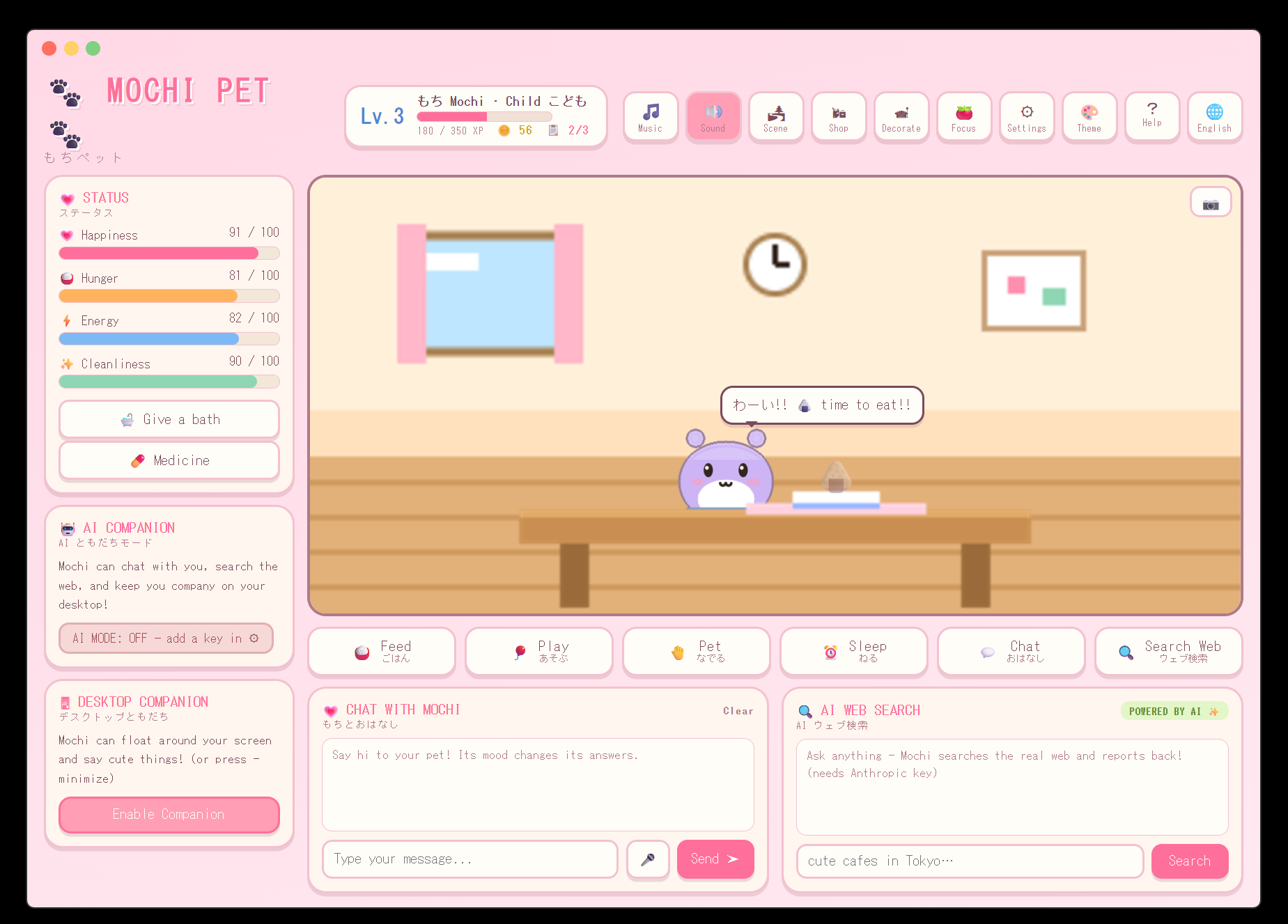
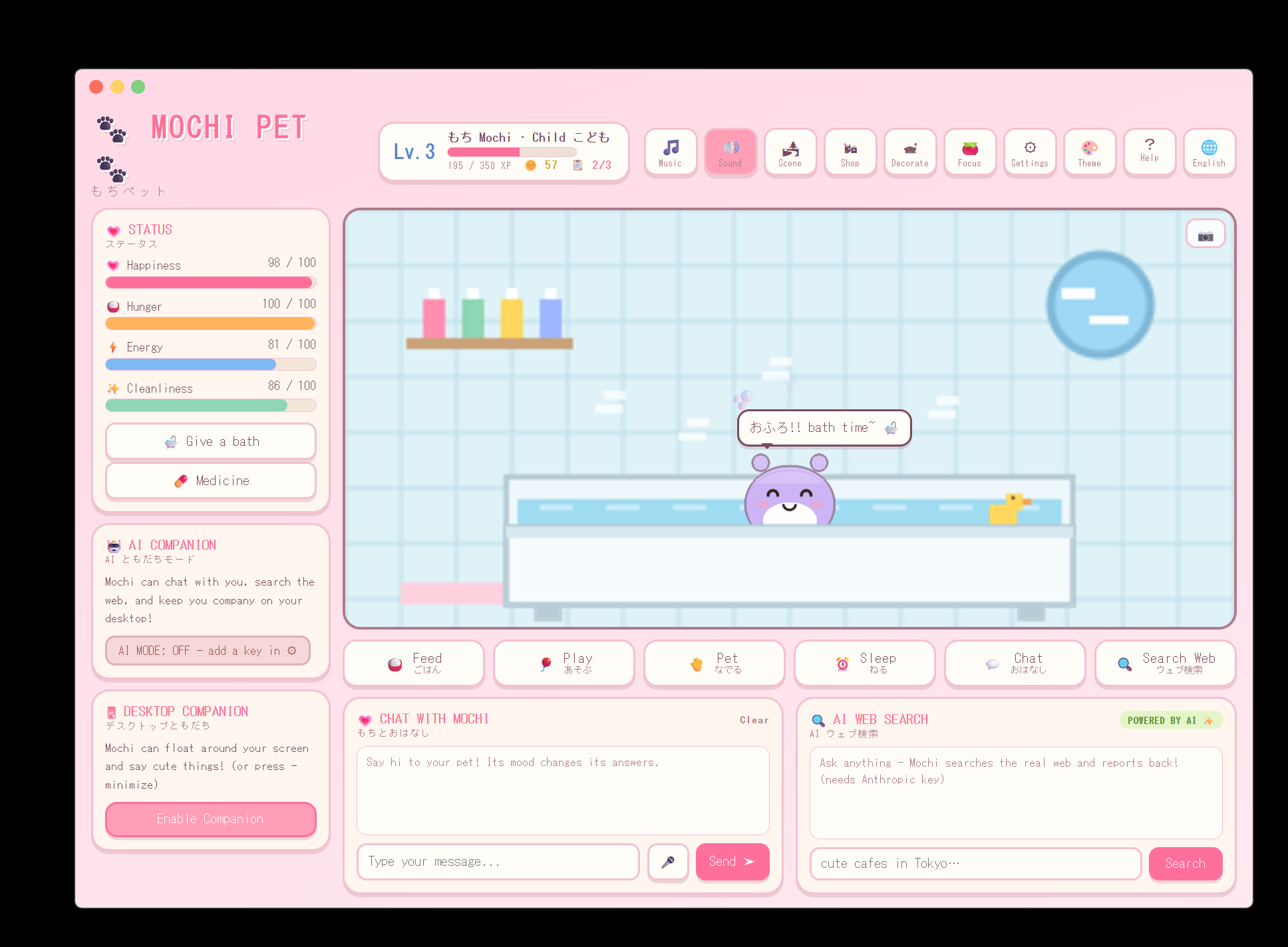
🎀 Feed, play, and watch it grow Keep Mochi happy, fed, energetic, and clean. Give it baths, feed it snacks, tuck it in to sleep, or give medicine when it's sick. Earn coins, level up, and watch your pet evolve from a baby into an adult over time.
🎮 Games, a shop, and a room to decorate Play minigames for coins — catch snacks, pop bubbles, whack moles — and beat your high scores. Then spend your coins on furniture and accessories to build a cozy room that's all yours.
🌸 Beautiful little worlds Explore hand-made scenes — Mt. Fuji, a snowy village, the beach, a city at sunset, a hot spring, outer space, and your own room — with seasonal touches (sakura in spring, snow in winter) and day-and-night changes.
🌐 Speaks your language Fully translated into 9 languages: English, العربية, 中文, Español, हिन्दी, Français, Português, 日本語, and Deutsch. The whole app changes with a single tap.
🧸 Everything inside
- 💬 AI Chat — real conversations with a pet that remembers you
- 🔍 Web Search — ask Mochi anything, it searches the real web
- 🐾 Desktop Companion — Mochi walks on your screen, across monitors
- 🎮 3 Minigames — with personal high scores & a weekly challenge
- 🎀 Evolution — baby → child → adult as you level up
- 📋 Daily Quests & streaks — little goals that reward you
- 🗣️ Cute Voice — optional neural voice so your pet speaks out loud
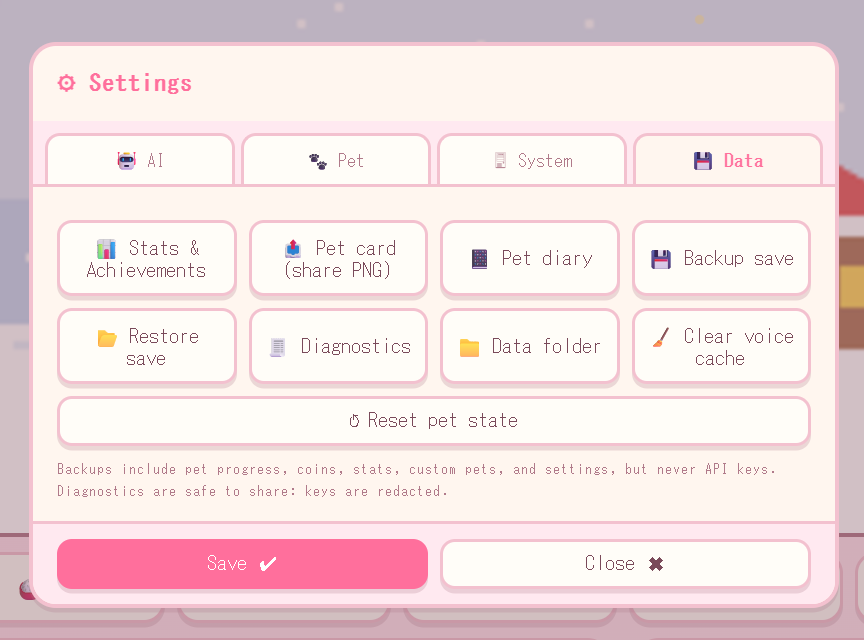
- 📔 Pet Diary — Mochi writes a daily entry about your time together
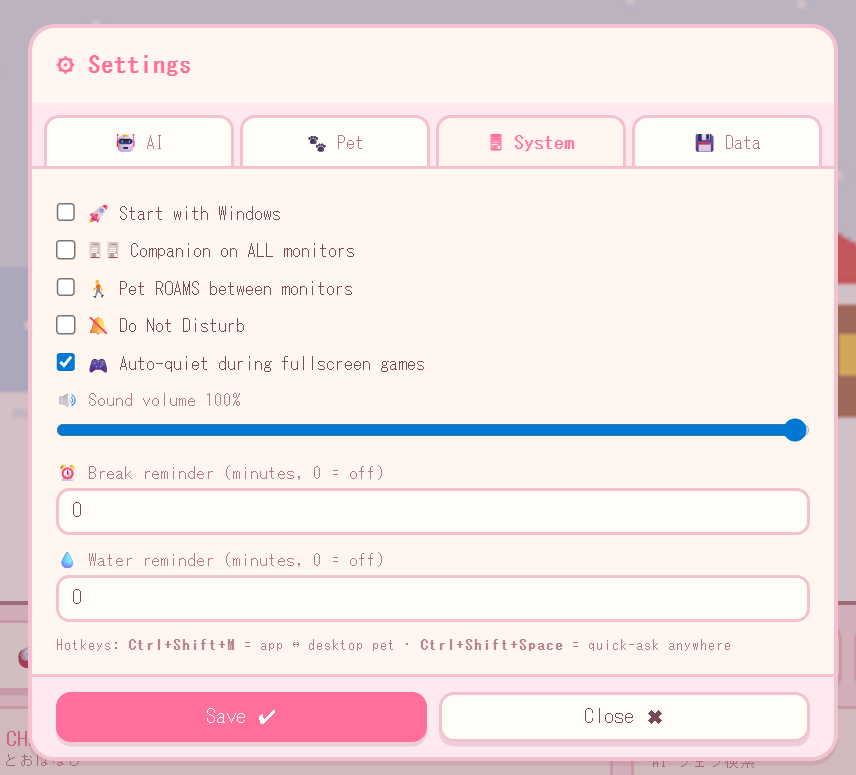
- 🍅 Focus Timer — built-in Pomodoro, plus break & water reminders
- 🎨 Themes & Music — light/dark looks and gentle chiptune tunes
- 📷 Photos & Pet Card — snap pictures and export a shareable card
- 🔕 Do Not Disturb — auto-quiets during fullscreen games & calls
- 🎭 5 Personalities — sweet, energetic, shy, tsundere, or sleepy
- ✨ 20 original characters — or upload your very own pet!
Download
Install instructions
💻 How to run it
- Download and unzip.
- Run MochiPet Setup (installs it like a normal app) — or the portable version (just double-click, no install needed).
- Pick your pet and enjoy! ♡
Two versions included:
- Setup — installs Mochi with a desktop shortcut, like any normal program.
- Portable — runs straight from the file with no install. Great for USB sticks or locked-down PCs.
⚠️ Windows may show a blue "Windows protected your PC" screen the first time. This is completely normal for small indie apps that aren't signed with an expensive certificate — it is not a virus. Just click More info → Run anyway (you only do this once).
Requirements: Windows 10 or Windows 11 (both 64-bit and 32-bit included).
Leave a comment
Log in with itch.io to leave a comment.